
Call Miles Supply for more info on these Stencil Cutters – here’s some info for our monument customers who cut stencil. Brochure FC9000 | Tech Bulletin-FC9000
Click here for Request for Quote on these FC9000 Graphtec Cutters.
Generous 3 year warrantee for parts & labor. KEEP YOUR BOX for shipping.
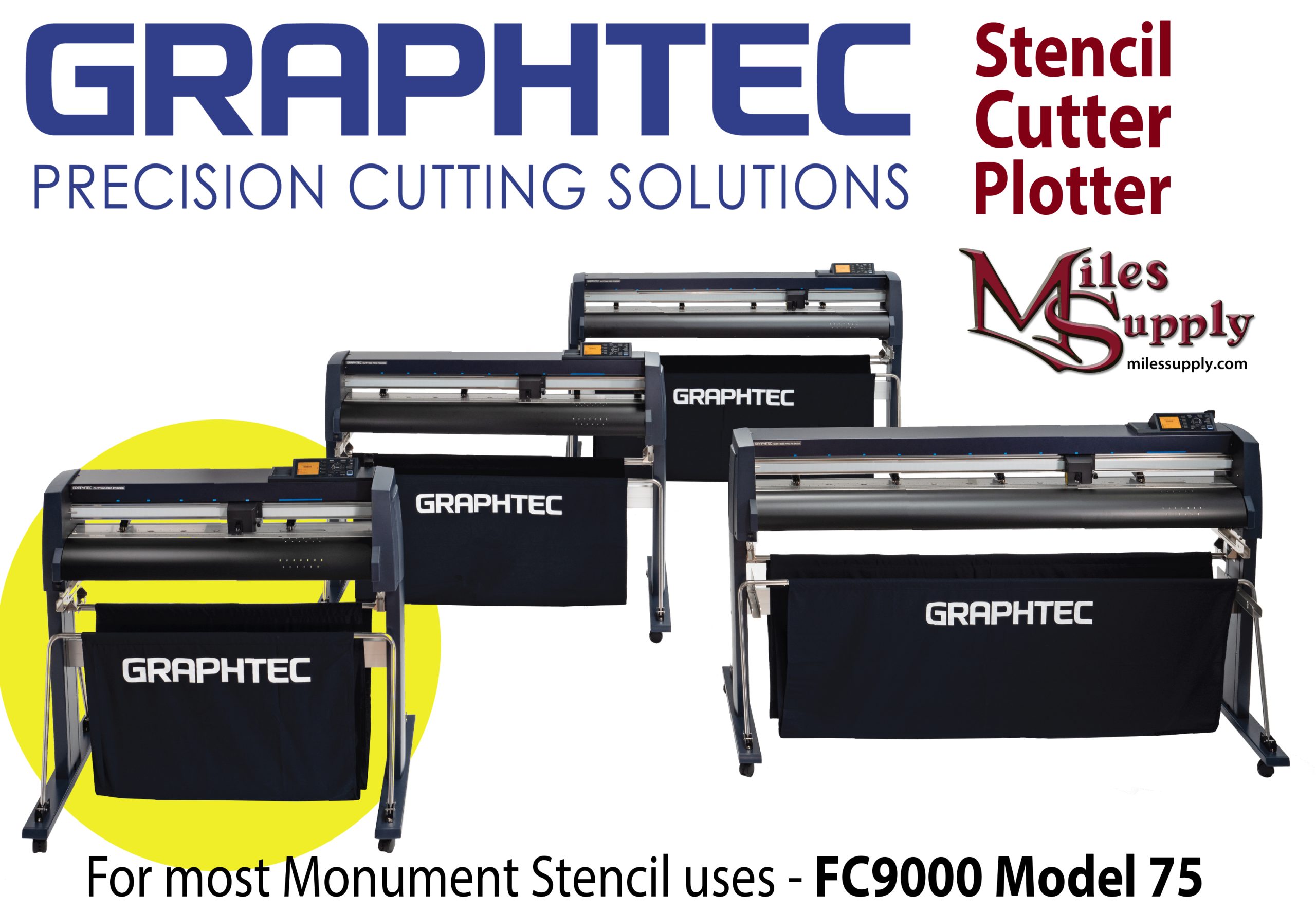 The model 75 above will fit 30″ stencil widths and smaller; punched or not. The larger width models have been used for making countertop templates.
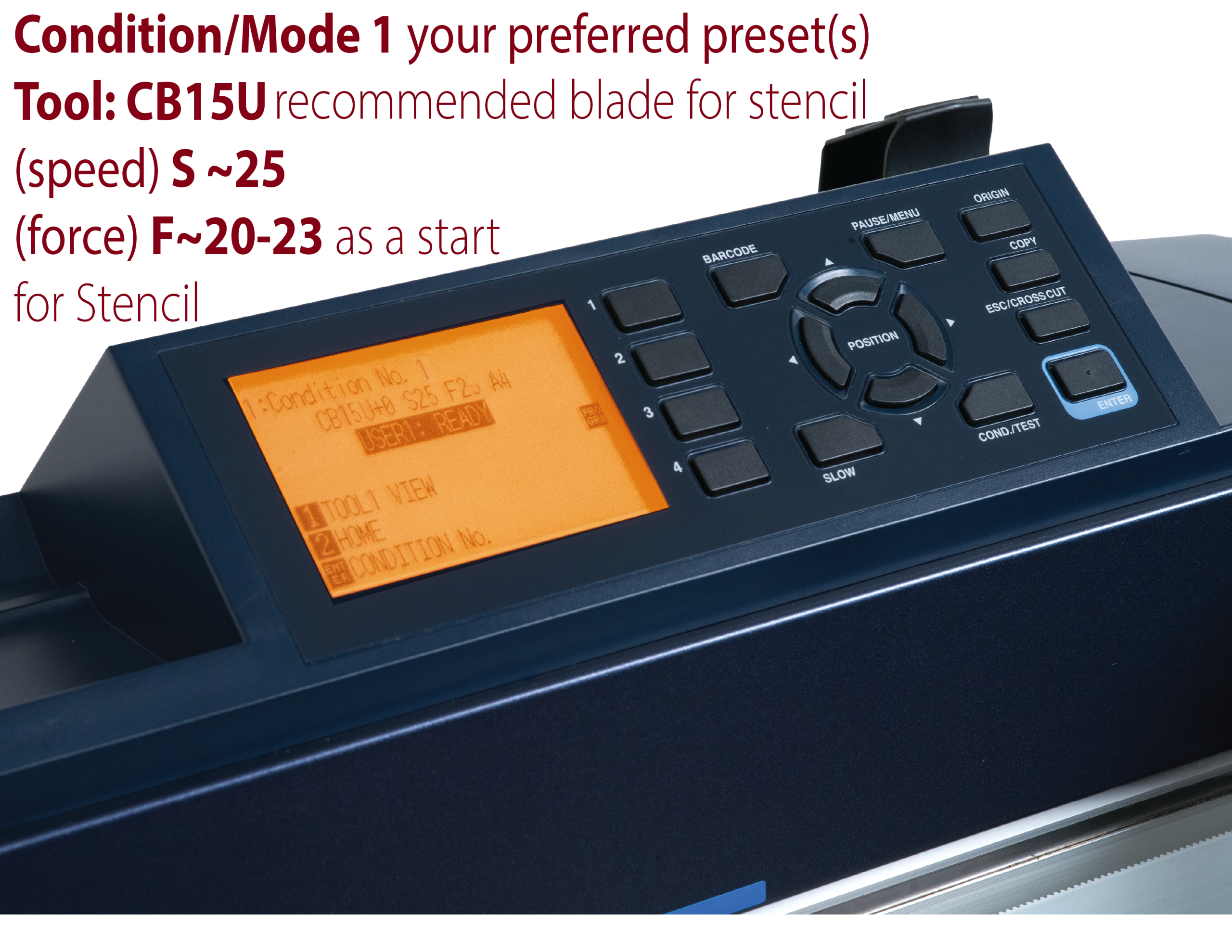
“Conditions” are preset modes – here’s a set up to start with for stencil.
Speed approximately 25 and for force you’ll have to tweak it (see more below) maybe start between 20 and 23. Your condition (preset) will stay even after unit is unplugged.
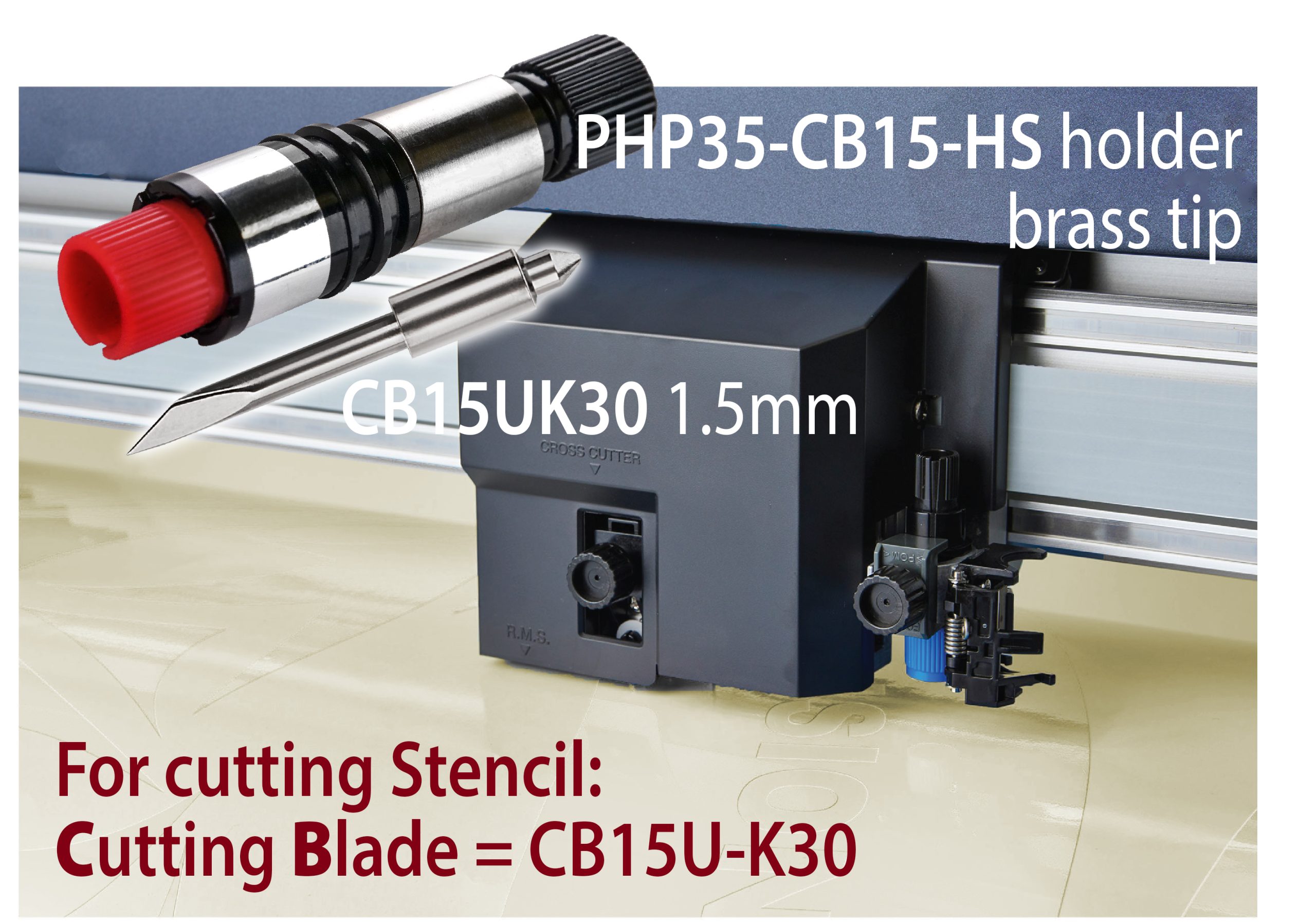 CB means cutting blade; for stencil you’ll want to order CB15U-K30 comes in a 5 pack and Cutting blade holder (PHP35-CB15-HS) We’ll stock them here at Miles Supply. The blade that comes with the plotter is not for stencil.
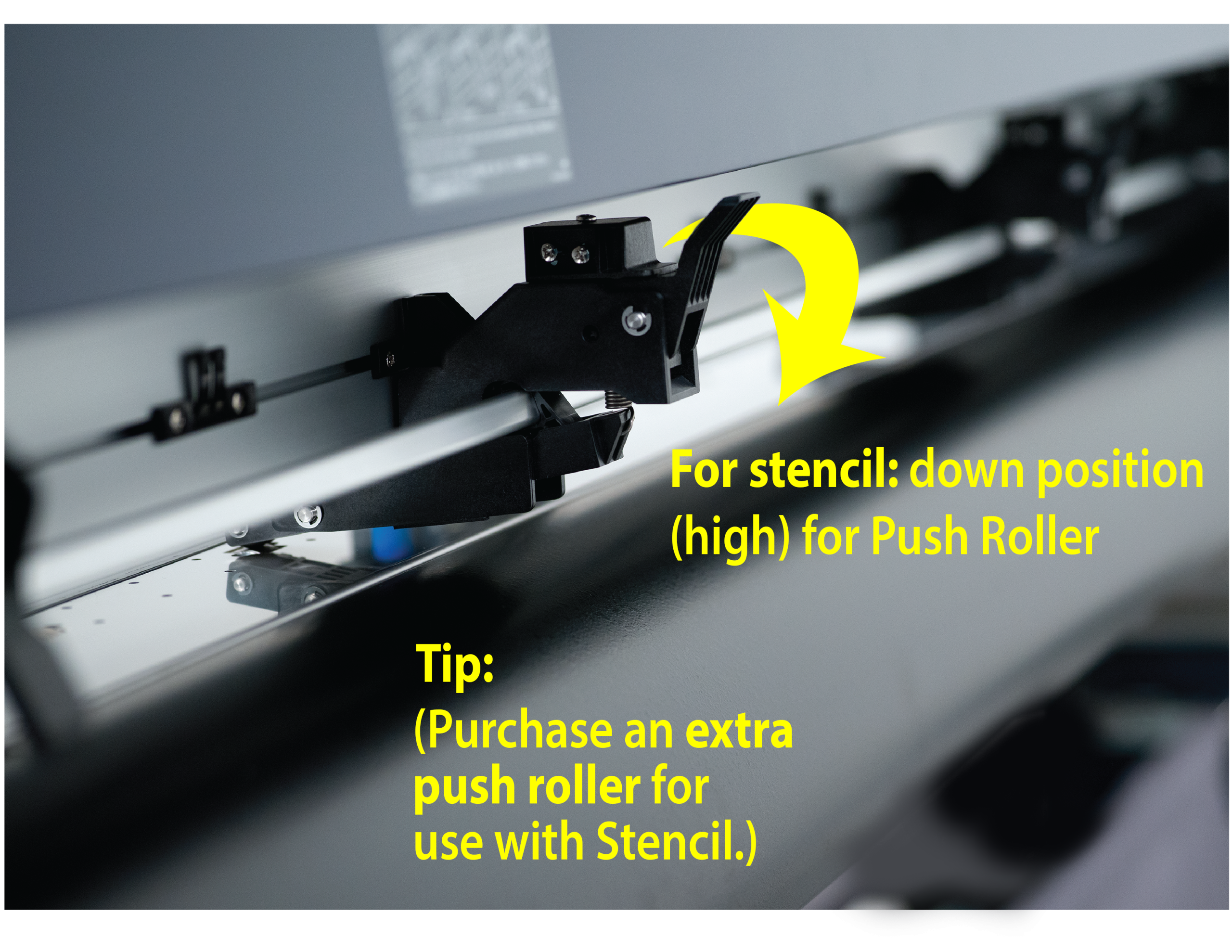
It’s recommended to purchase an additional push roller due to the heaviness of stencil*. High is the down position for the side rollers; Medium or High position for the additional middle push roller. *Also helpful is to use the flange kit take-up reel.
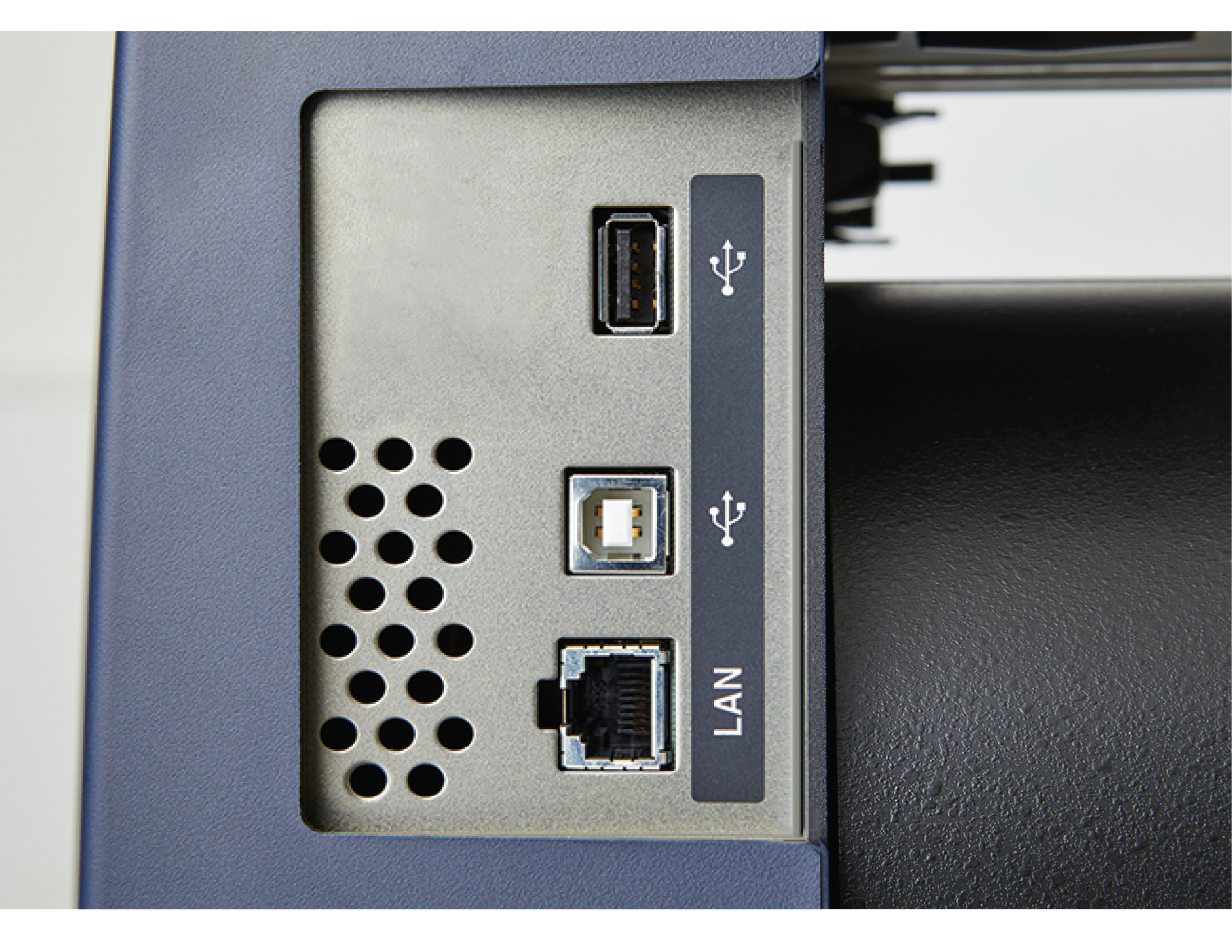
Connect to your computer or use a USB flash drive. [Export an .xpf file from the Graphtec software to copy onto a USB thumb drive.] Install software Graphtec Studio 2 (included after you register the plotter) on your computer; recommended cable length is 8′ or less (8′ cable is included). Note also that you’ll need to install a driver while the plotter is unplugged.
There’s also a plug-in that operates while still in your Adobe Illustrator or CorelDRAW software; called Cutting Master 5. And there’s a driver in order to still be able to use MonuCad. Miles Supply sells MemorialDESIGNER software that works great with this and helps sell and design realistic depictions for your customers.
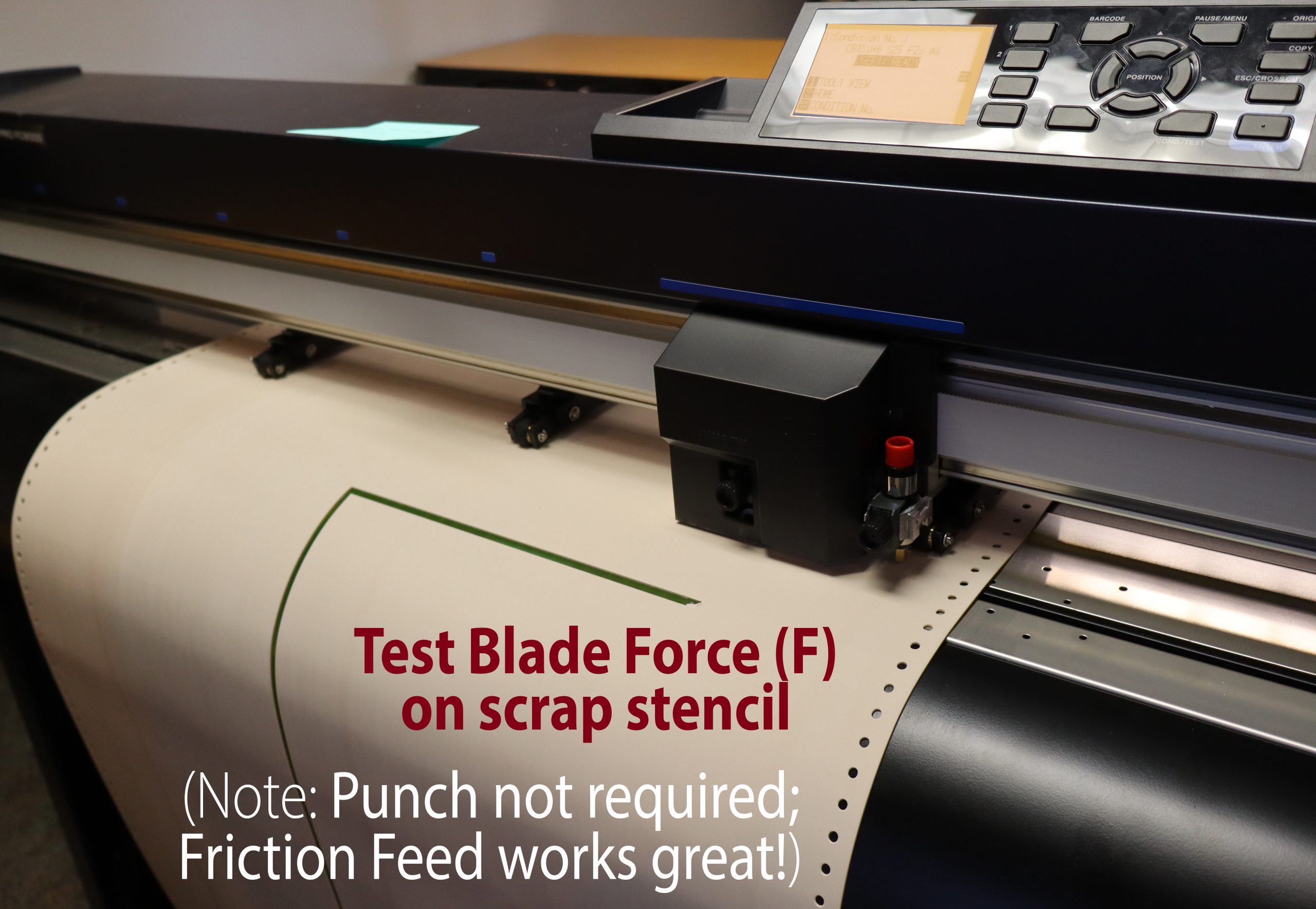
Most settings will stay the same if using the same stencil. Sometimes the (F) force will need tweaking; especially after a blade change. And you’ll need to tweak with it initially to learn your #s. You’ll want it to cut through to the liner – try increasing gradually until it slightly impresses on, but does not cut into, the liner. Works with no punch friction feed stencil but of course if you are using your extra stencil – even with those uneven punches – it would work fine.
1 inch squares are good to experiment with. Hit the origin button to tell it where to start over again.
Tangential mode might be desirable for use with stencil to cut corners more precisely – you would input a very small or zero over-cut. Training videos: FC9000 Series | Graphtec America, Inc “cutting thicker media” FC9000 Tangential Emulation Flyer
Teflon strip position “back” position. Teflon cutting matte replacements are online.
RFQ the FC9000-75 cutter plotter | RFQ Flatbed Cutter FSX2000
You may also be interested in the Flatbed cutting plotter FCX2000: Graphtec FCX2000-4000_JE11076_10D | https://www.graphteccorp.com/cutting/fcx2000/
(works with this software)
